

Book and rent
Buy or rent from the dealer’s catalogue. Stock and listed SKUs complete online. Known mods are priced as they go.
For container dealers
Dockbase is a self-service layer for businesses that sell, rent, and modify shipping containers. Customers book with you, follow the delivery, and keep the documents in one place. Operations is involved when something is critical — not for every quote and status call.
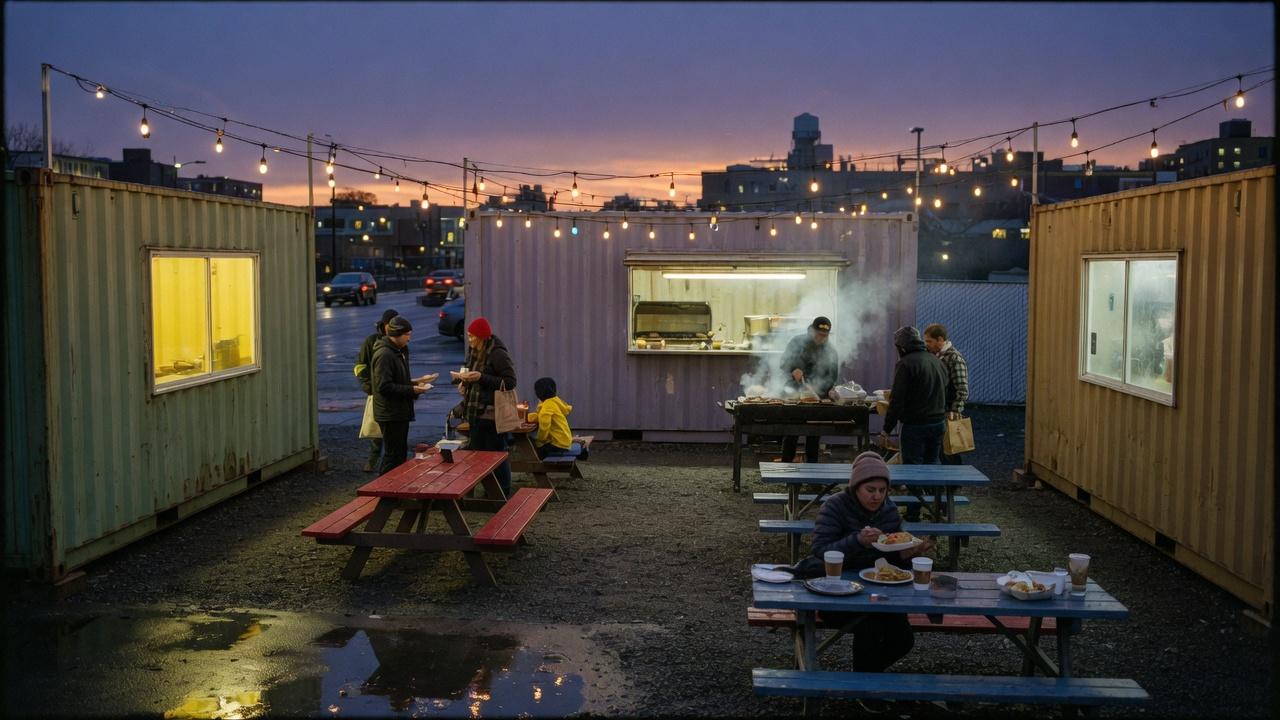
Not a container storefront. A front door for demand the dealer already has.
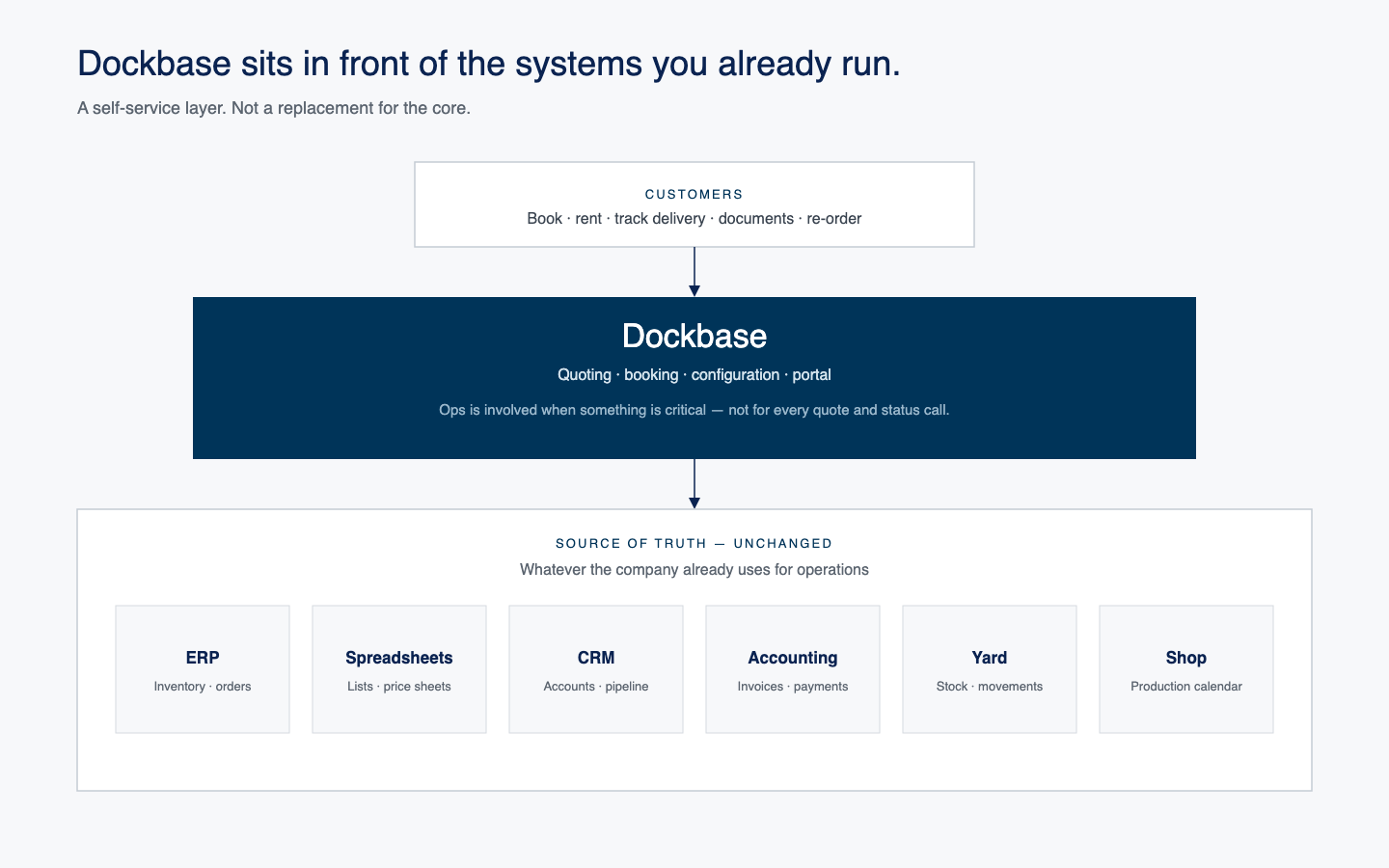
A self-service layer in front of the systems you already run. Customers quote, book, track, and keep documents with you. ERP, the yard, and accounting stay the source of truth.
Every enquiry still hits the same desk: a stock 20, a listed office, a shop drawing. Dockbase splits that work at intake so routine quoting is not sitting in front of custom work.
It does not generate demand, replace the yard, or put welders and drivers on software. It gives hours back to sales, estimators, and the people who answer the phone.
Self-service
The back-and-forth — quote, window, invoice, “where is it” — is most of the friction. Dockbase moves that work to the customer. A younger operator opening a food box already expects this. The dealer still makes the sale; the desk is no longer the bottleneck.
Buy or rent from the dealer’s catalogue. Stock and listed SKUs complete online. Known mods are priced as they go.
Every booking in one account: what was ordered, from which yard, in which configuration.
At the depot, in production, on the truck, on site. Two clocks stay visible: shop ready, then delivery.
Quotes, invoices, contracts, delivery tickets — downloaded, not requested from the desk.
The last 20, the last job box, the last drop address. Repeat work does not start from a blank call.
Rental extensions and pickup requests without a voicemail. Card, e-transfer, or invoice terms for approved accounts.
The dealer’s catalogue — not ours
This is what your customers already ask for. Dockbase is not that catalogue. It is how those requests get quoted and booked — without every one becoming a phone quote.
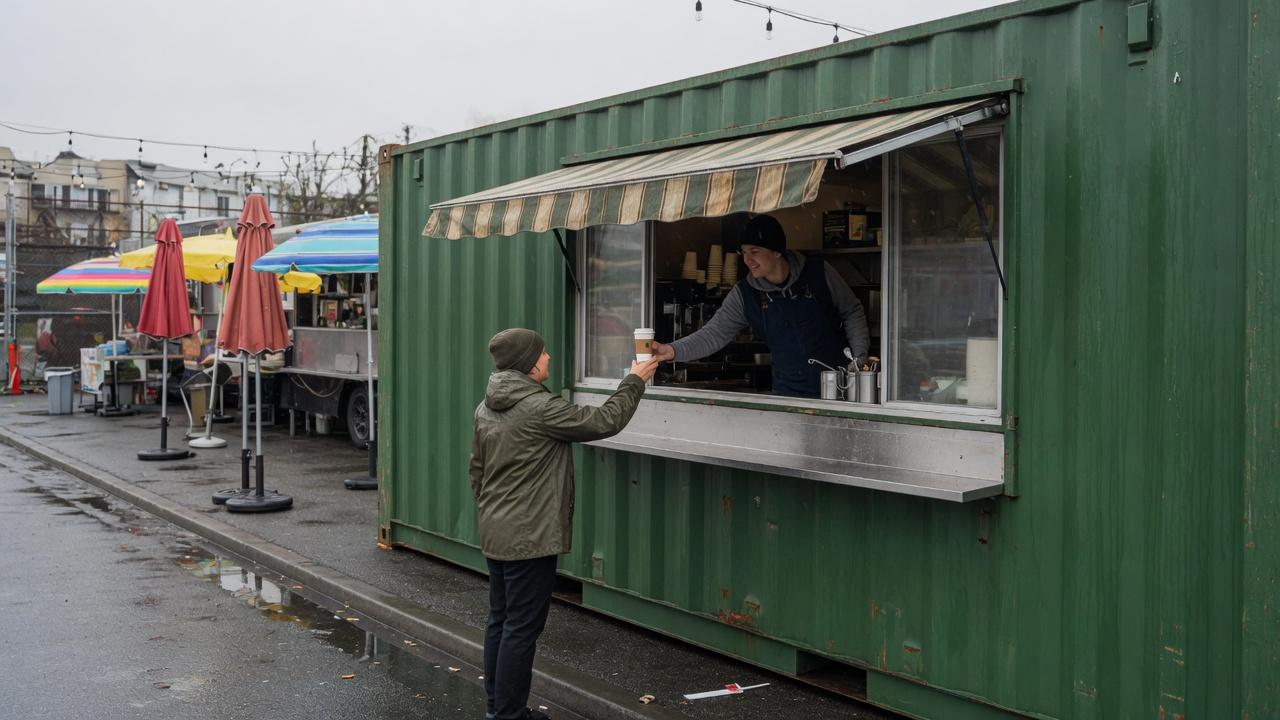
Food and service
Kiosks, cafés, and fitted kitchens — recycled steel as a working counter.
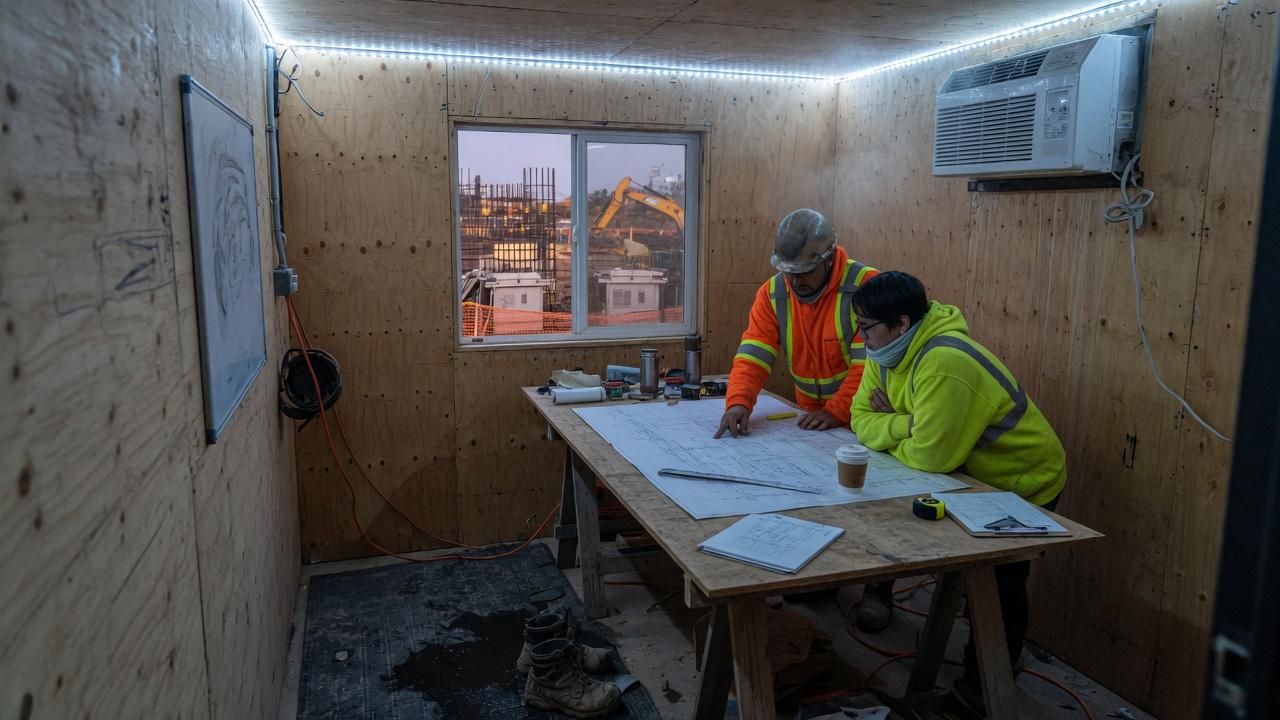
Jobsite offices
Insulated job boxes with power, a plan table, and a window on the works.
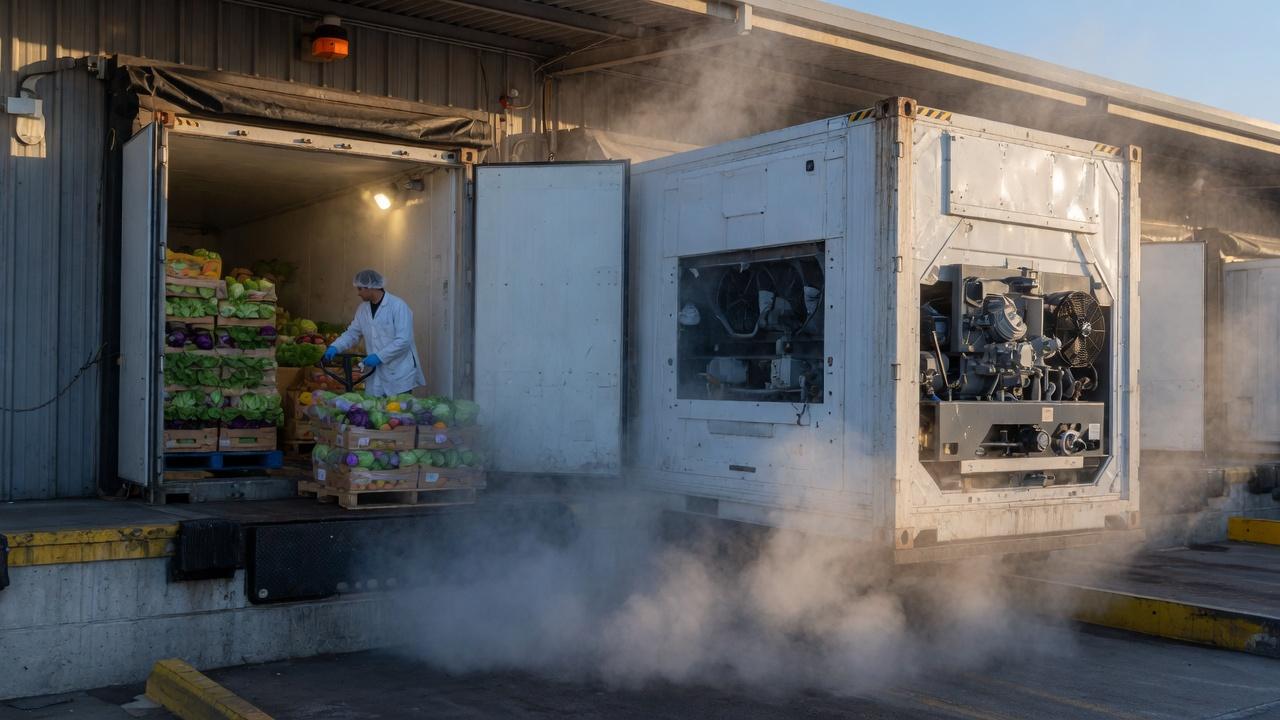
Cold chain
Food-grade reefers for produce, pharmaceuticals, and seasonal inventory.
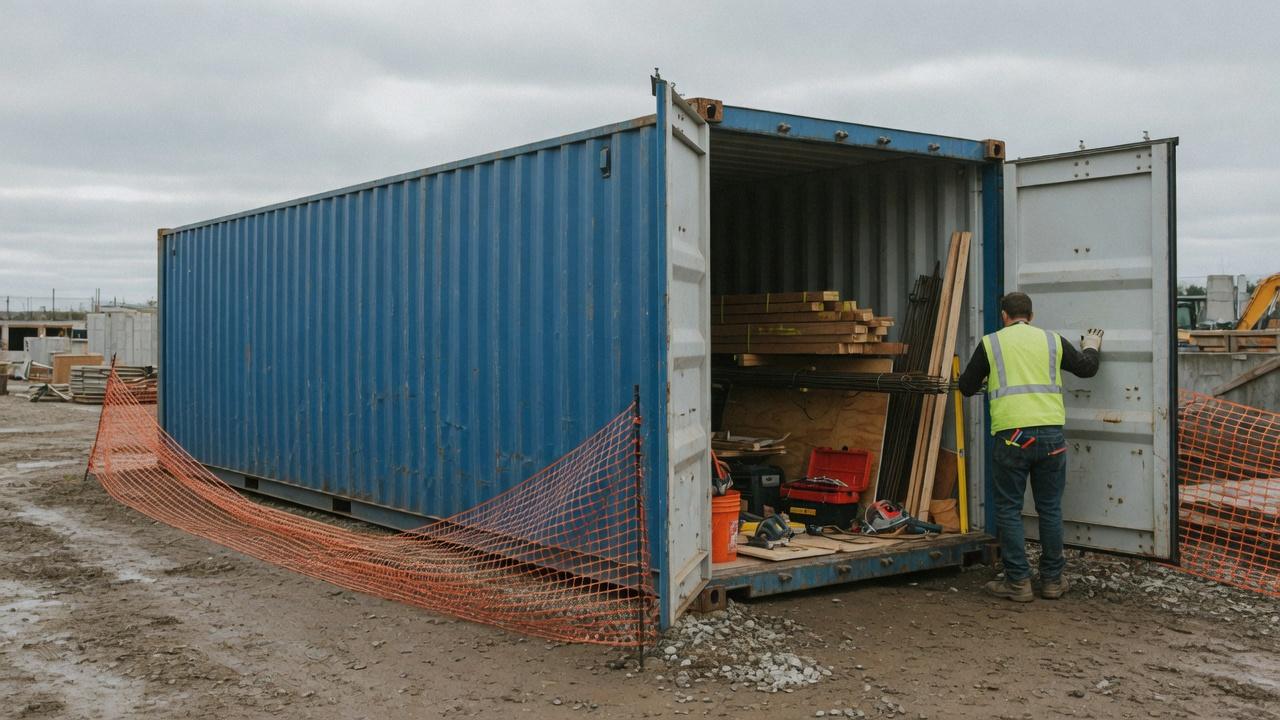
Site storage
The dry box: tools, materials, and lockable overflow on the lot.
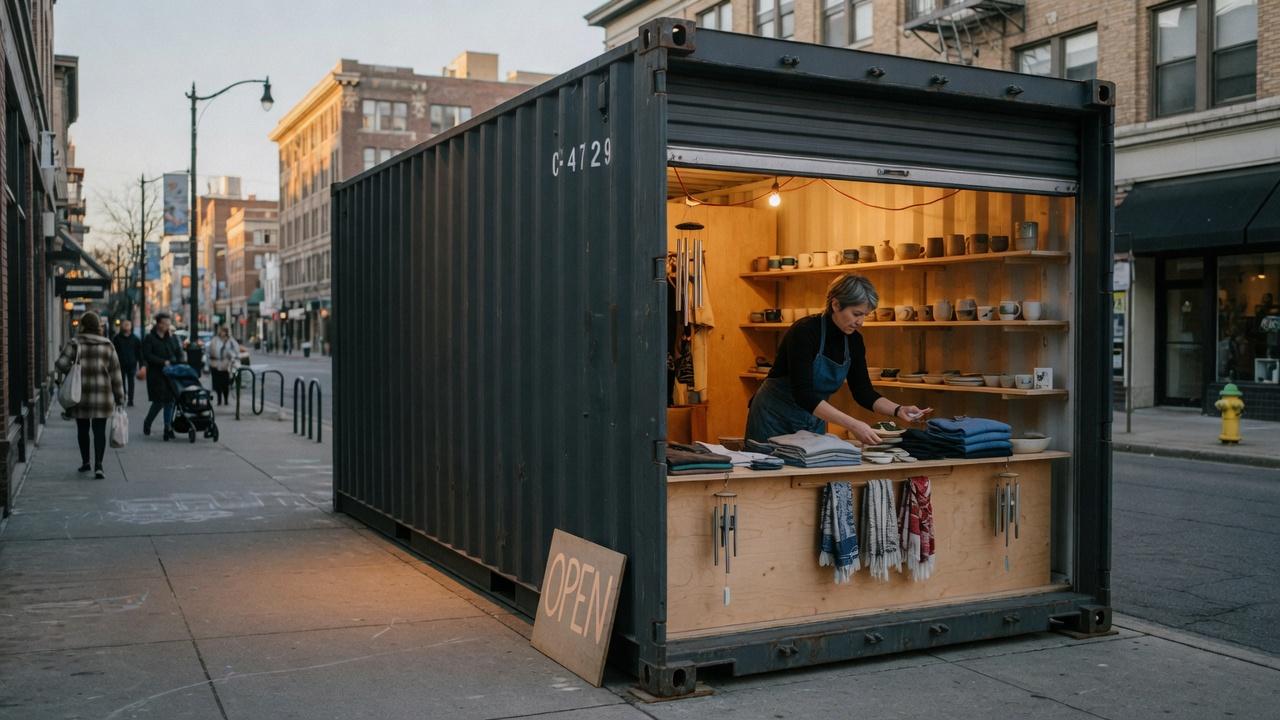
Retail and pop-up
A roll-up door as a storefront. Short-term space without a lease.
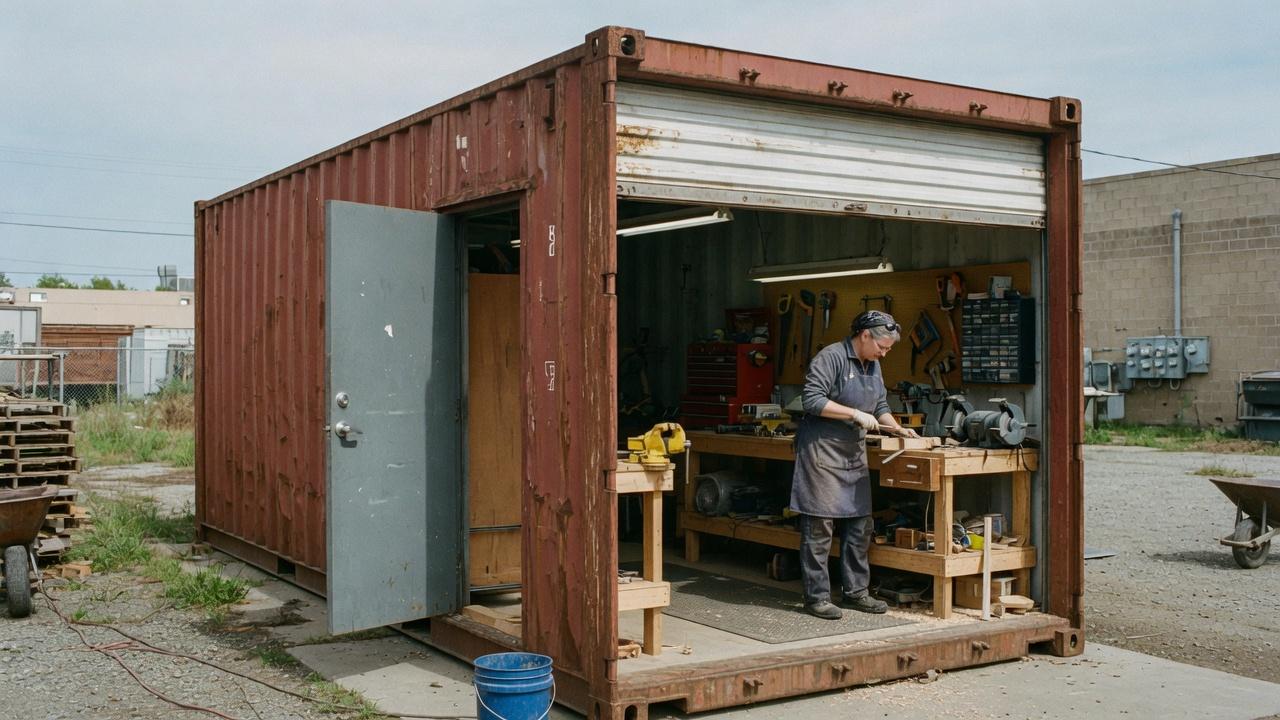
Workshops
Personnel doors, roll-ups, benches, and power — a shop that can move.
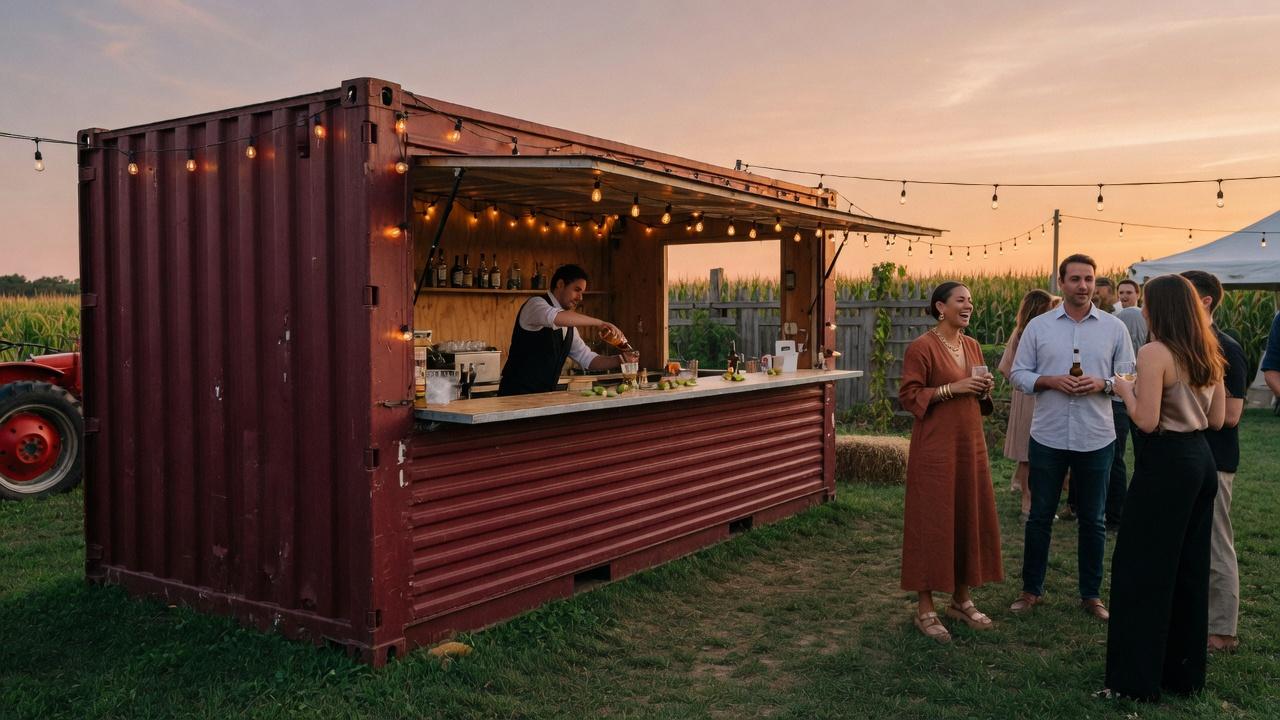
Events
A fitted bar for a wedding, a festival, a season. Then it moves.
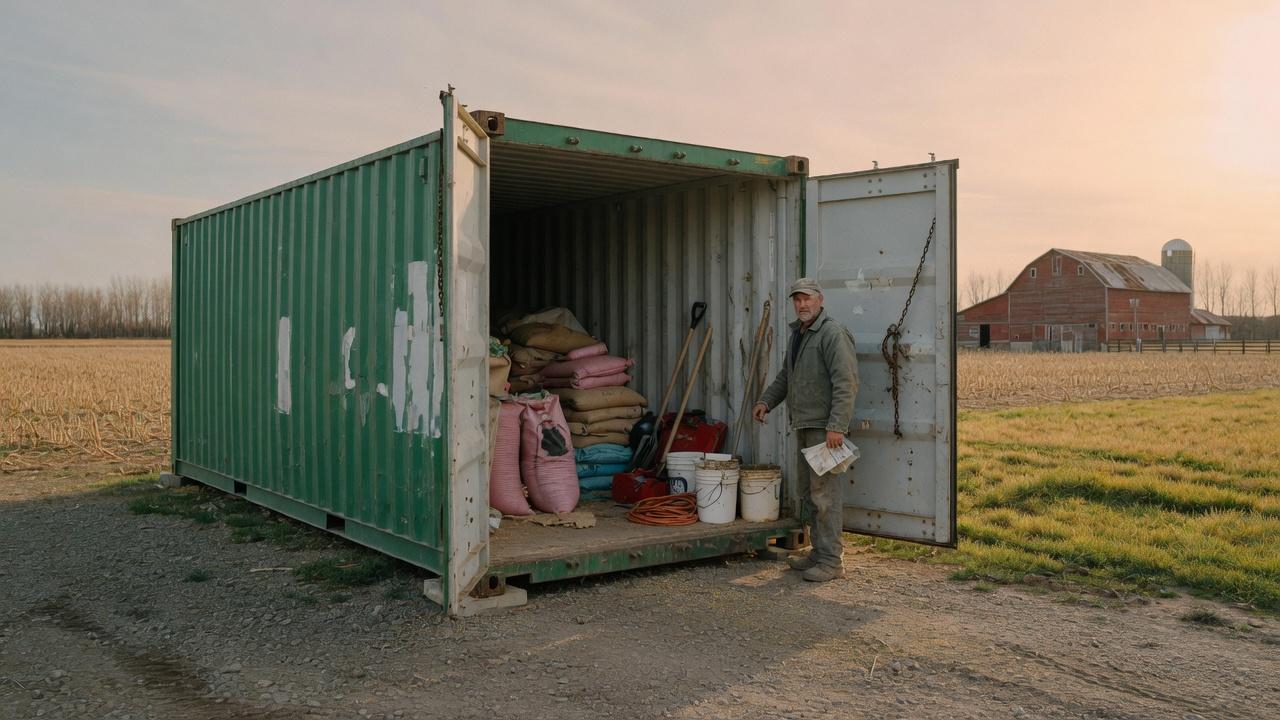
Farm and rural
Feed, tools, and a lockable box at the edge of a field.
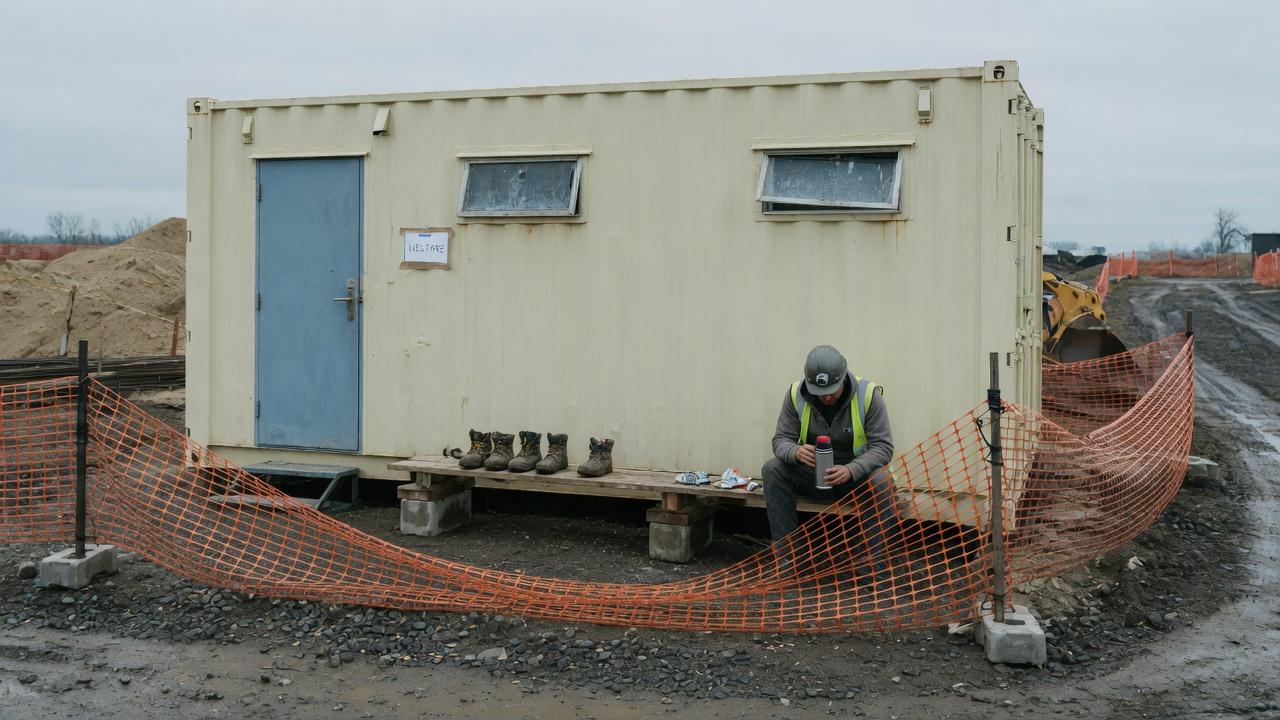
Welfare units
A dry place to sit, a thermos, boots off. The site still runs.
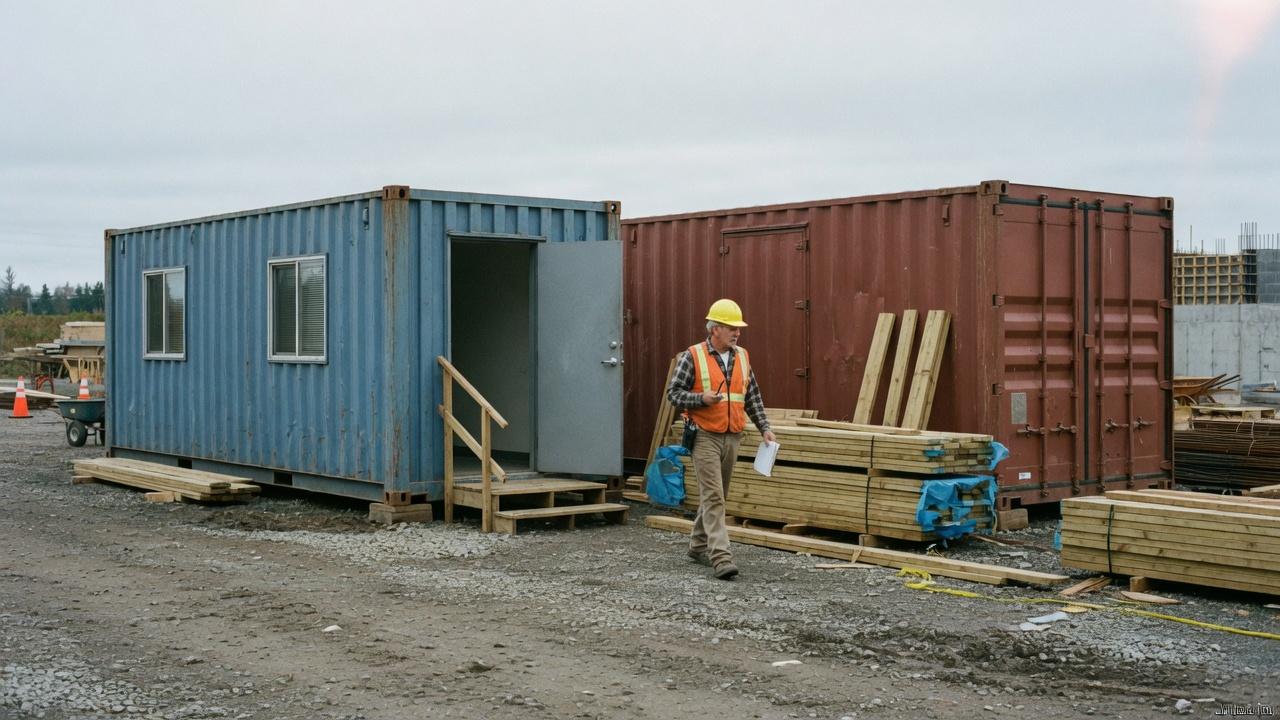
Office and storage together
A pair on the same lot: one to work in, one to lock.
Operating challenges
Most sales, rental, and modification businesses still quote by phone and email — whether the unit is a dry box, a reefer, or a fitted office. The issues below are operational. Each has a corresponding place in the platform.
The same details are collected again on every enquiry.
The challenge
Size, condition, dates, delivery zone, and modifications are asked for by phone and email, then typed into a quote. The request waits in an inbox. Sales time is spent on a conversation that rarely changes.
The approach
Customers begin with a use case, then see the containers and options that apply. Price is itemised as they configure. Standard orders complete online. Sales sees exceptions, not the full queue.
The challenge
Size, condition, dates, delivery zone, and modifications are asked for by phone and email, then typed into a quote. The request waits in an inbox. Sales time is spent on a conversation that rarely changes.
The approach
Customers begin with a use case, then see the containers and options that apply. Price is itemised as they configure. Standard orders complete online. Sales sees exceptions, not the full queue.
What is sold
A contractor — or a food operator on a first box — who can re-order, see a delivery, and retrieve an invoice has less reason to look elsewhere. Retention is an operating outcome, not a marketing one.
Who it serves
Quotes and bookings arrive in one view, with room to review and adjust. Non-standard work is the exception. Customer accounts sit alongside the CRM already in use.
Inventory by depot, upcoming movements, and the delivery and pickup schedule. When the yard has a better picture than the screen, status can be overridden by hand.
Invoices are generated from the portal. Card, Interac e-Transfer, and net terms for approved accounts. Export into the accounting system already in use.
Online versus manual quote volume, utilisation by depot, and the exceptions that still need attention — drawn from live activity, not a weekly compilation.
Their customers
Homeowners, one-off clean-outs, and first-time operators — a storage box, a garden office, a food kiosk. A guided path, guest checkout, card or e-transfer. They expect to finish online.
Regular, not high-volume: site storage, a job box, a fitted workshop. Saved addresses, faster re-order, optional net terms.
Construction, property, food, and industrial. A company account, multiple users, a project view, and a consolidated picture of offices, reefers, and storage on every site.
A traditional industry
Yard vision, robotics, connected equipment, and assisted quoting cannot attach to PDFs and phone notes. Digitising the customer and order layer is how a depot becomes ready. Dockbase is that layer.
A conversation with operators who already have demand, and want more of the team’s time on the work that matters.
Contact